Details
Driving App Adoption Through Better Onboarding
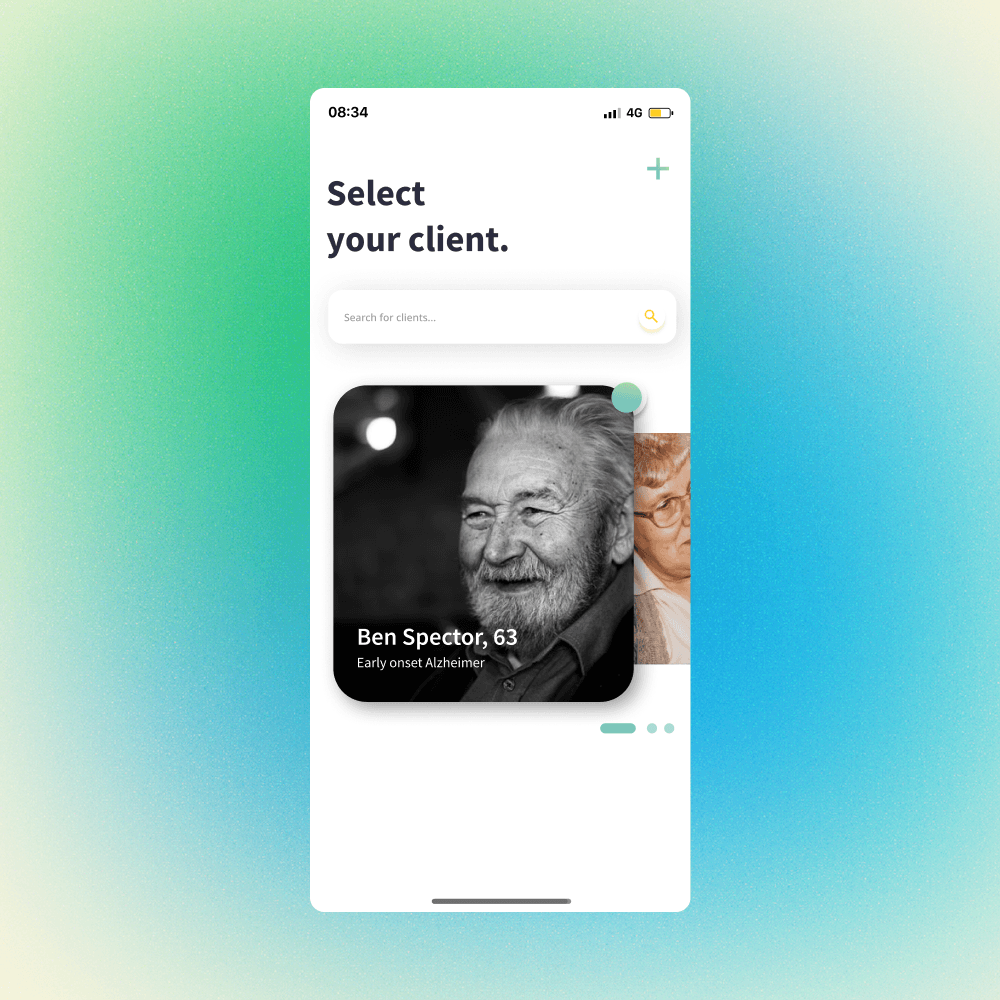
Sonnet Shift offered some of the lowest car insurance rates in Ontario through a program that tracked how you drive — the safer you drive, the less you pay. To participate, customers had to install an app that monitored their driving in real time.
The problem? Even with great pricing, too many customers were cancelling or switching plans. This was putting the program 10% behind its growth goals for the quarter.
Impact
Signup rates hit a record 11% after launch — and customers who joined actually stayed, showing they were opting in with real intent.
My role
Lead Designer
UX Research
Team
Product owner,
Consumer insights,
Business insights,
Development
Timeline
2024
The problem
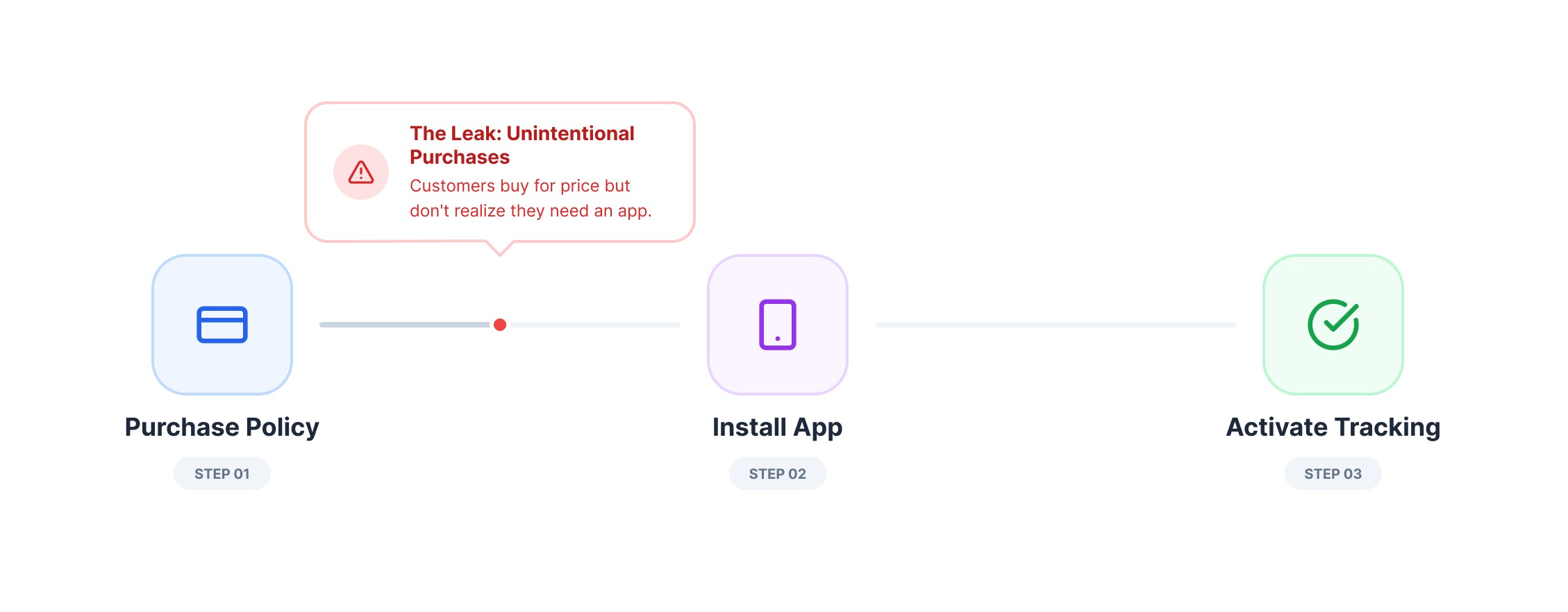
1.1 The disconnection between price and product requirements
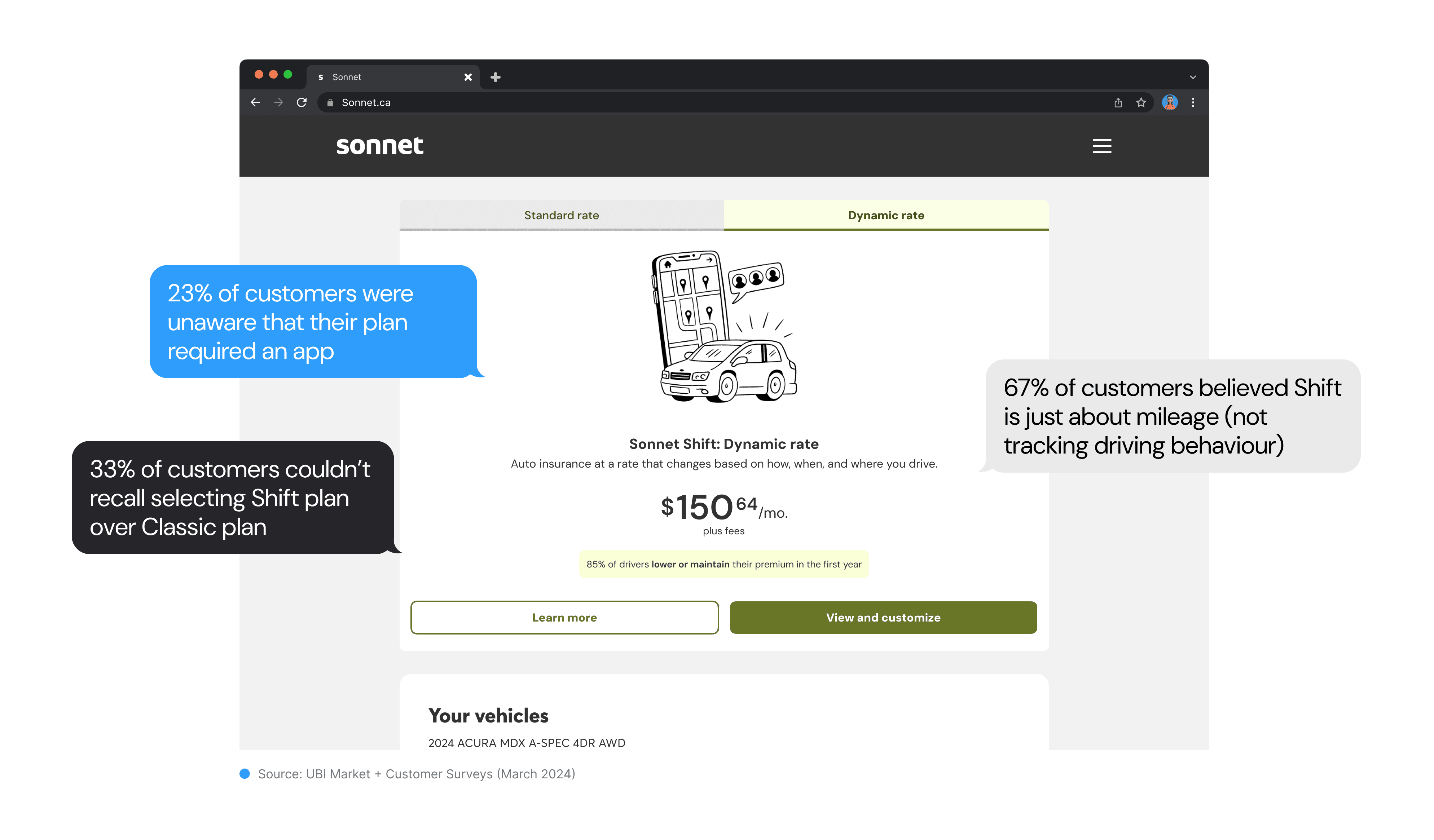
1.2 What customers say (The Root Cause)
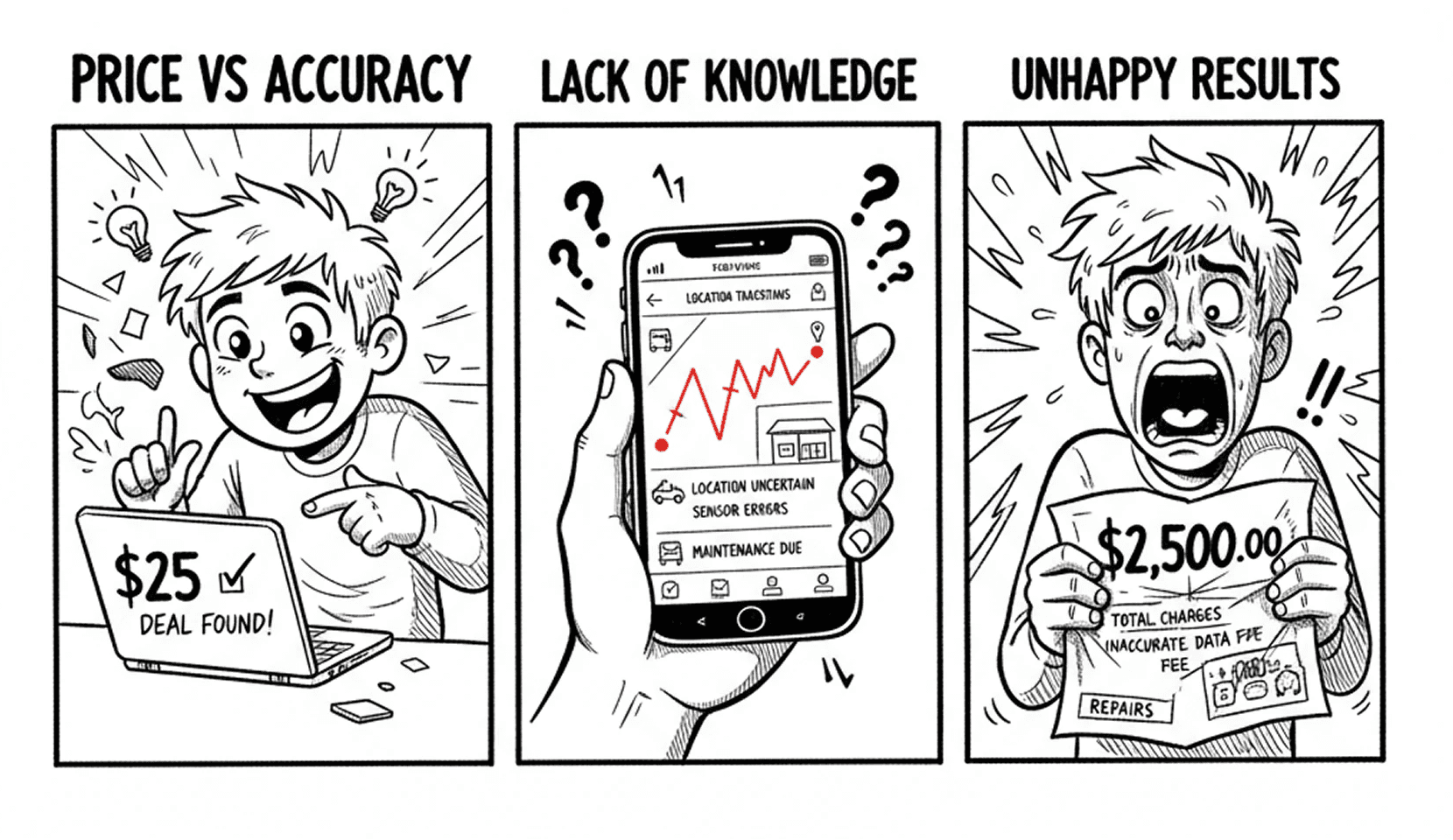
Price-conscious customers were speed-running through checkout, selecting the cheapest option without processing what they were committing to. The low price point was an incentive, but the associated requirements weren't being effectively communicated or absorbed during the quoting process.
This created a "surprise-and-reject" moment post-purchase when app requirements became clear.
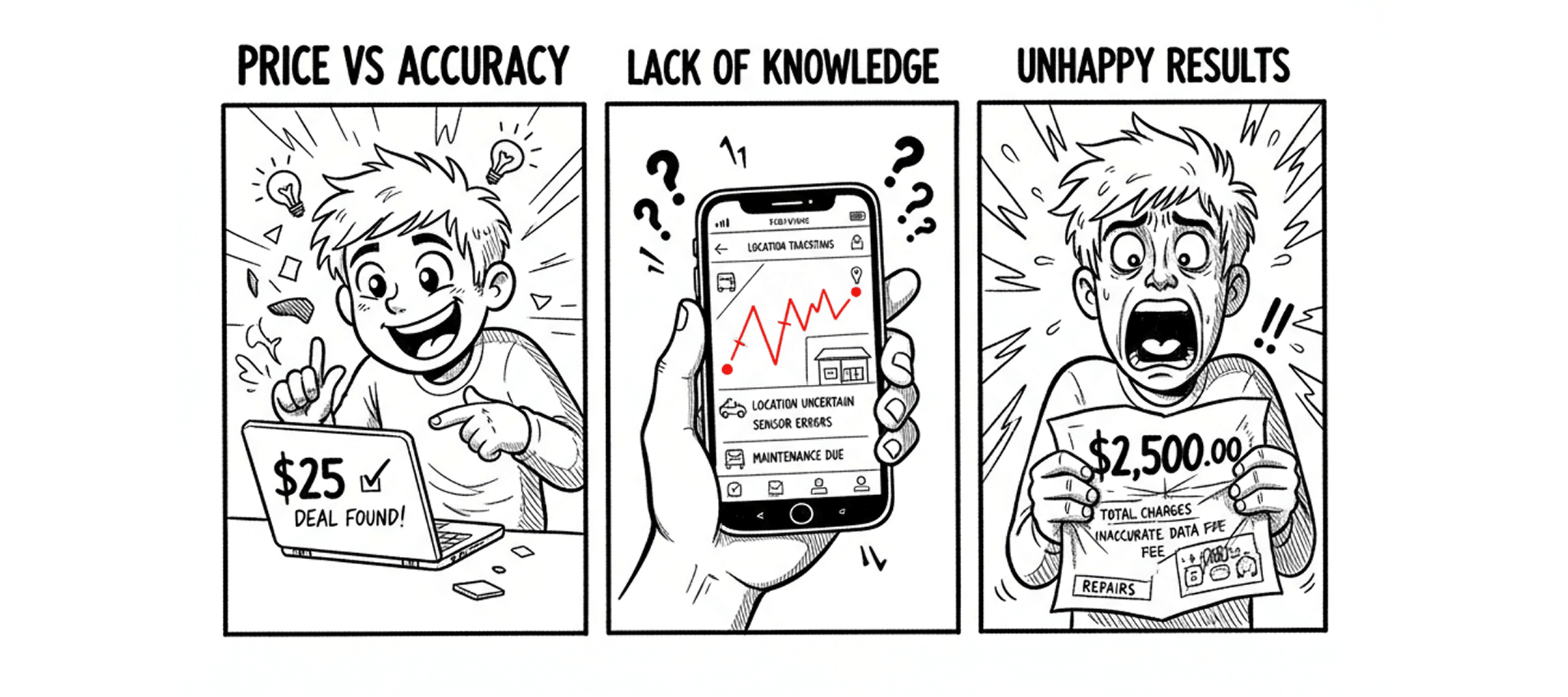
1.3 The business impact
Price-conscious customers were speed-running through checkout, selecting the cheapest option without processing what they were committing to. The low price point was an incentive, but the associated requirements weren't being effectively communicated or absorbed during the quoting process.
This created a "surprise-and-reject" moment post-purchase when app requirements became clear.
🎯
Behind Target
10% behind quarterly quote insurance targets in Ontario
📈
Cancellations and plan switches
Rising operational costs from managing cancellations and plan switches
👻
“Tricked”
Customer satisfaction declining due to feeling “tricked” by fine print
discovery & research
Dive in-depth to narrow down our focus
Our goal was to improve clarity around installation needs, highlight how the UBI program works, and reduce “price” as the sole decision driver—especially on mobile.
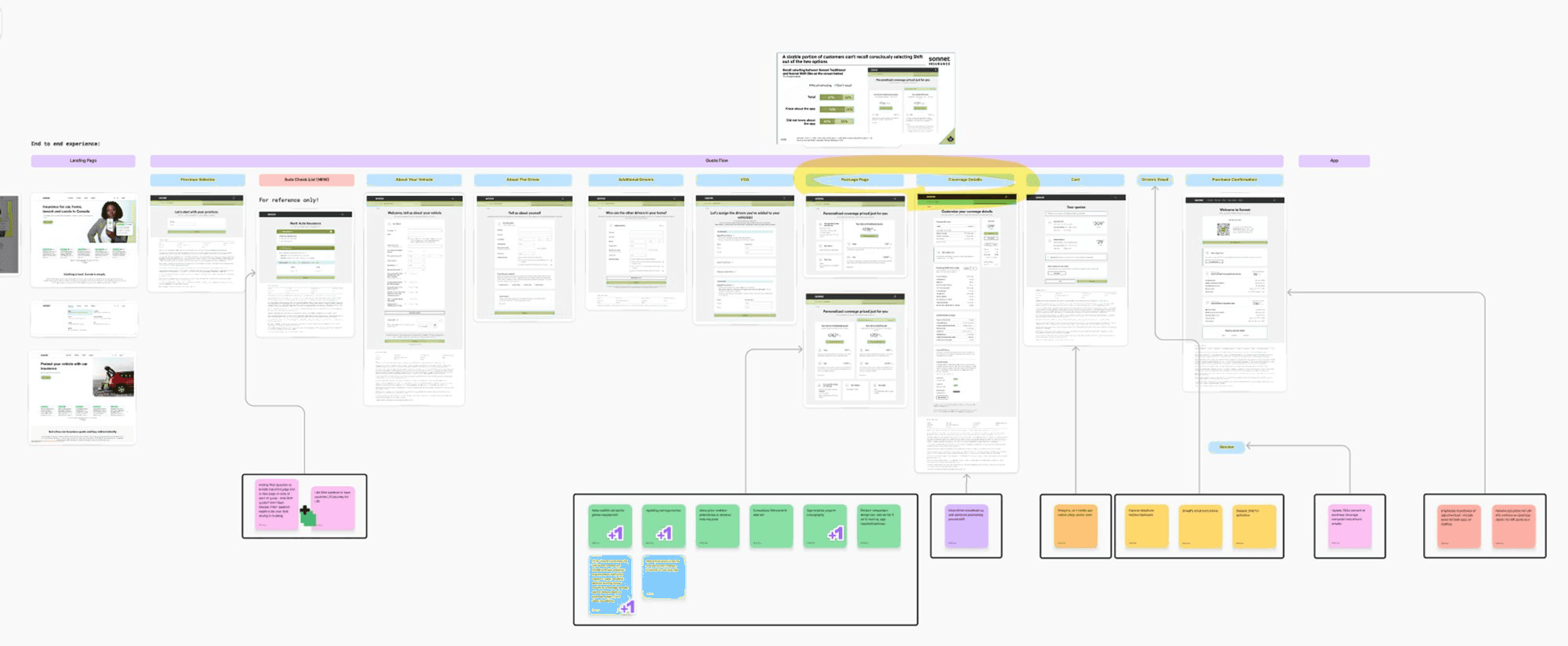
2.1 White-boarding opportunity spaces:
Step 1 – Internal Audit
Audited key customer touchpoints — quote flow, confirmation screens, onboarding emails, and CMS — to map the current experience.
Step 2 – Identify Friction
Whiteboarding sessions surfaced the biggest pain points: unclear package names, missing onboarding guidance, and underemphasized benefits.
Ran workshops to explore UI and content improvements — from updated landing copy to contextual incentives that build trust and communicate value.
Step 4 – Prioritize Focus
Zeroed in on the moment that matters most: the page where customers first see the product and price, and decide whether to buy.
Amongst all pages in the quote flow, we’ve decided to focus on a page where we introduce the product and price for the first time. That’s where all the magic happens.
2.2 Design opporutnities
The opportunity is to ensure that the UBI's unique requirements are clearly communicated at the right time and in the right place, without disrupting the user's understanding of their price or flow progression.
🎯
Communicate clearly during the quote and purchase flow that the plan requires app installation and driving behavior tracking.
📈
Simplify Program Explanation
Present a concise, user-friendly summary of how Sonnet Shift works, including dynamic pricing and how it impacts premiums.
👻
Improve Onboarding Flow
Reinforce key information (e.g. app purpose, tracking, pricing model) during onboarding with minimal cognitive load.
exploration
Low-Fidelity Exploration
A significant focus is on If users are fixated on the price and without reading other information on the page, how do we effectively introduce and explain the "Sonnet Shift" UBI program
3.1 The propsed solution
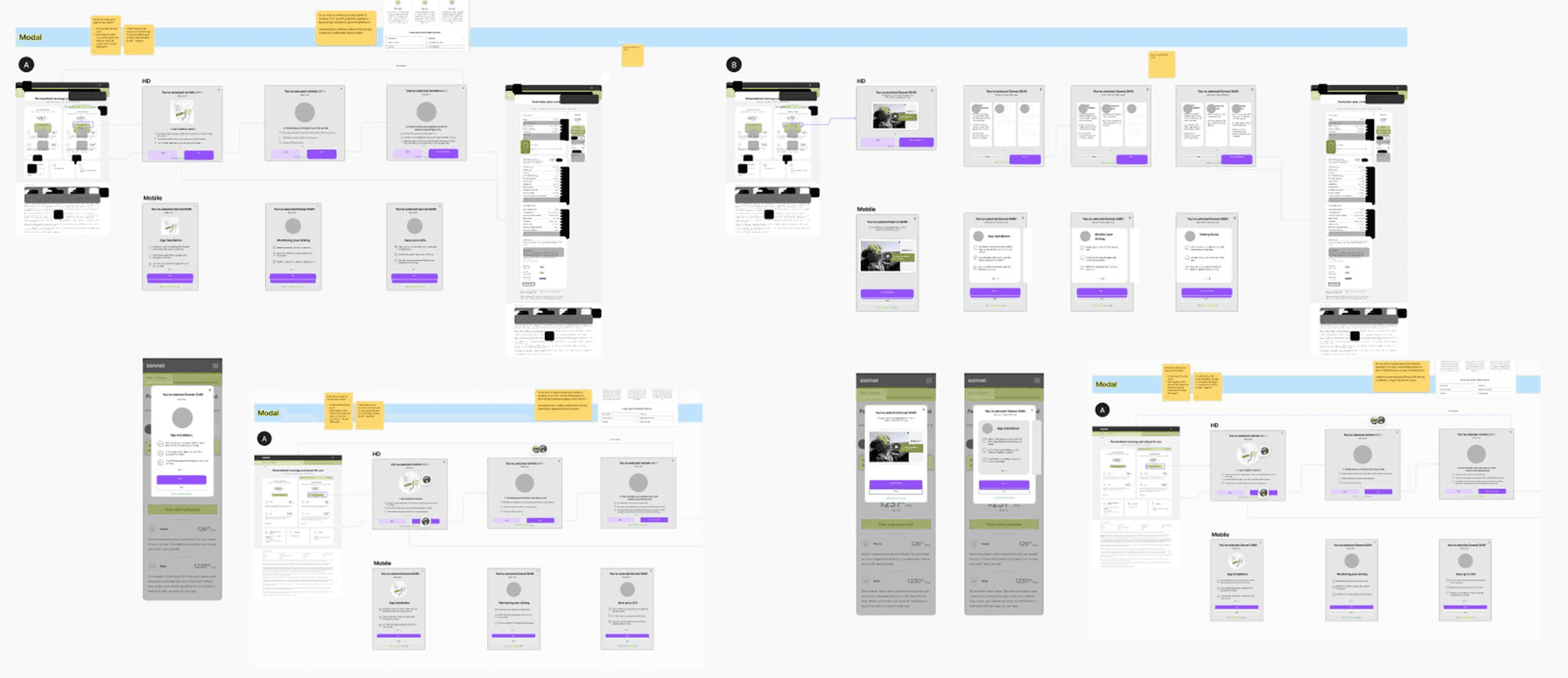
The proposed solution involves a modal dialog that presents program requirements, benefits, and initial setup steps after the user expresses interest (by clicking "View & Customize").
This aims to prevent user confusion and improve recall of UBI program specifics, addressing the survey data from detailed explanations (UBI modal, price breakdown expansion) to guide users through potentially complex insurance customization and purchase journeys.
Feedback
Stakeholders
Some stakeholders assumed adding friction (education) would hurt conversion rates. I saw it differently.
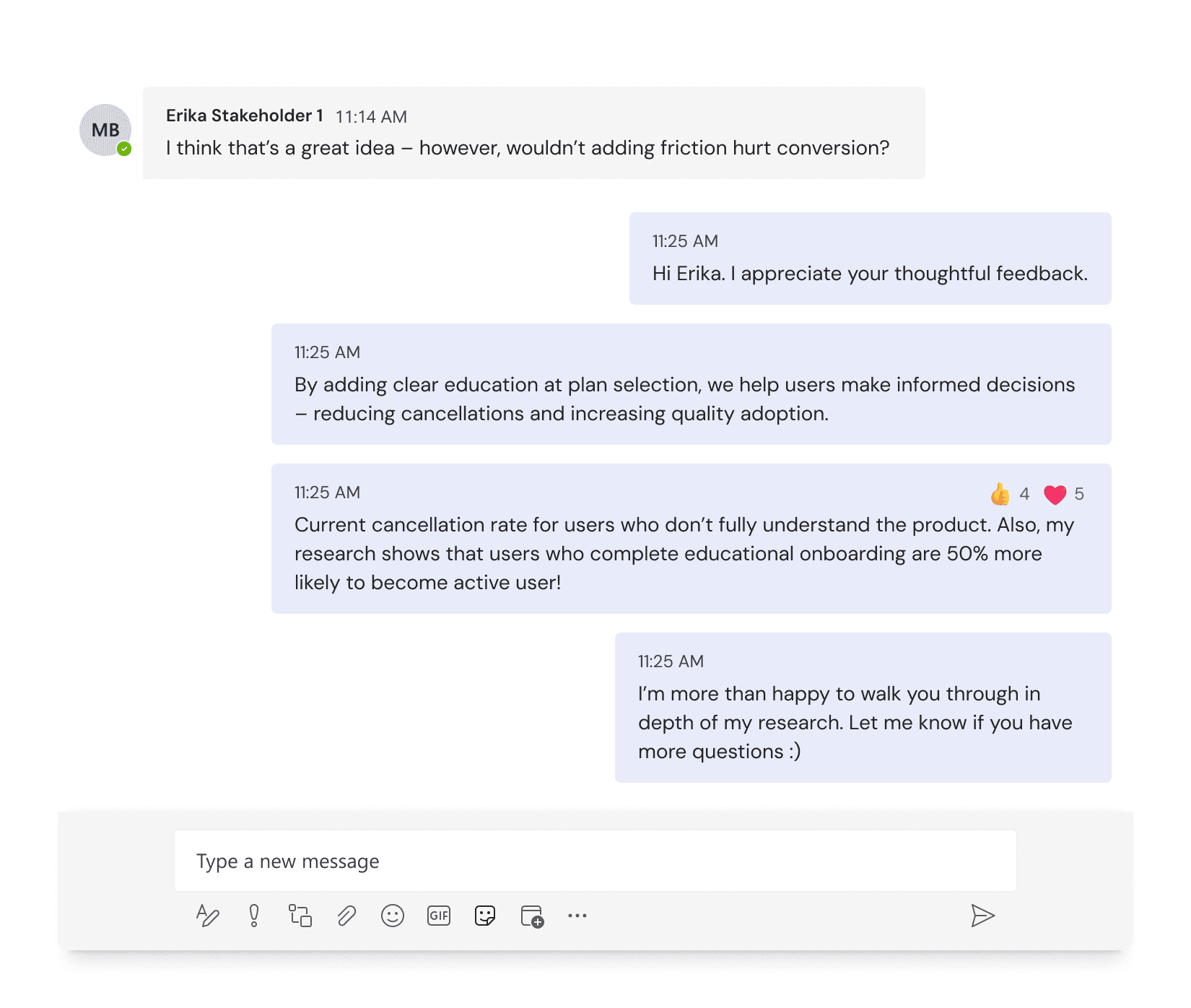
My reasoning: Customers who truly understand the product and still choose it are more valuable than those who select it by accident. Intentional users would activate the app, engage with the product, and stay long-term.
This was counterintuitive, but I believed the right friction would improve business outcomes.
Testing
User testing
To test our hypothesis and approach, a user testing phase was designed with several primary objectives. The research aimed to answer the following key questions about the proposed design solutions:
👻
Usability
Is the proposed user flow perceived as easy and intuitive, or confusing and complicated?
📈
Task completion
Can users effectively accomplish the intended task within the new design?
👻
Do the new design enhancements behave as users expect?
4.1 Design and A/B Testing: Developing a Solution
Developed two distinct prototypes to serve as an educational "interruption" in the user flow after a customer selects the Sonnet Shift plan.
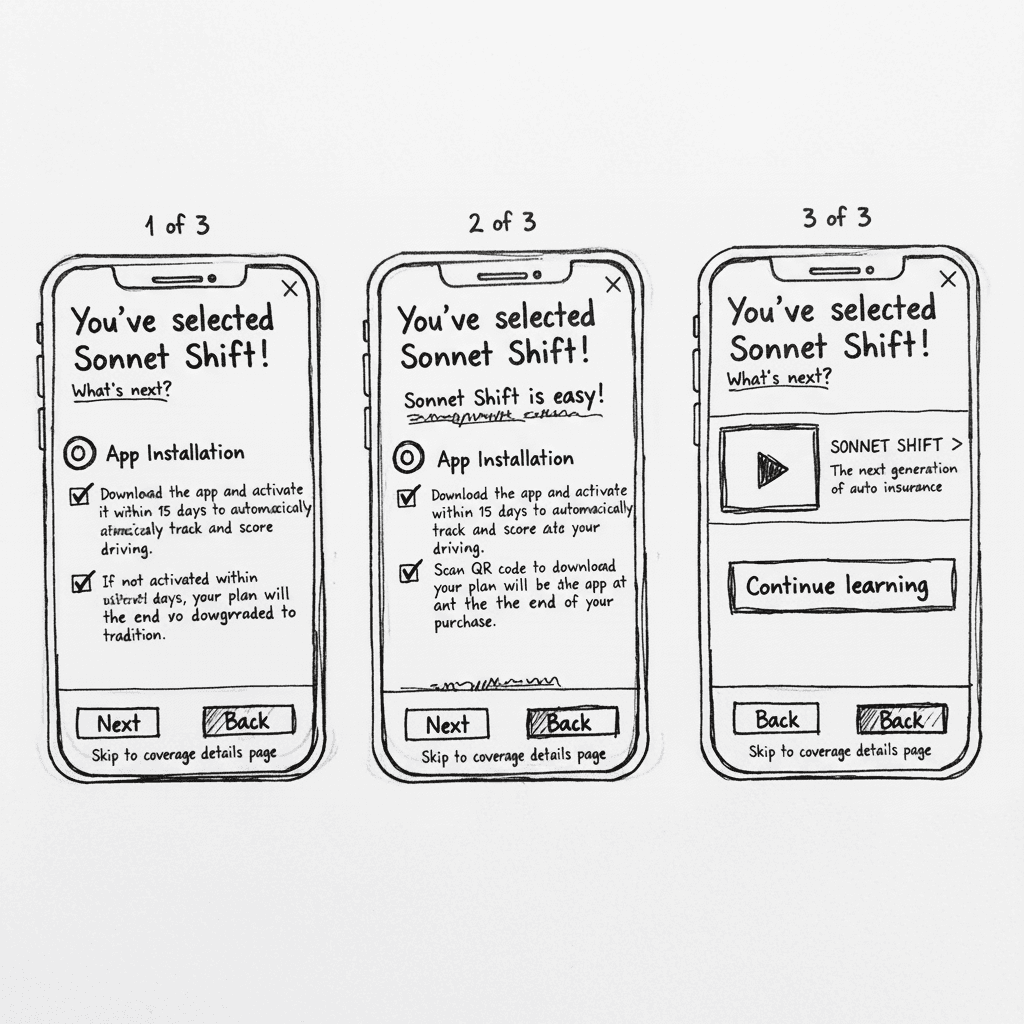
The team hypothesized two potential solutions: Modal A tested a 'forced progression' approach, ensuring users processed each piece of information sequentially. In contrast, Modal B tested an 'interactive discovery' model, consolidating information on a single screen to reduce clicks while requiring active engagement to reveal details.
{Prototype A. The Sequential Information Full Screen Modal}
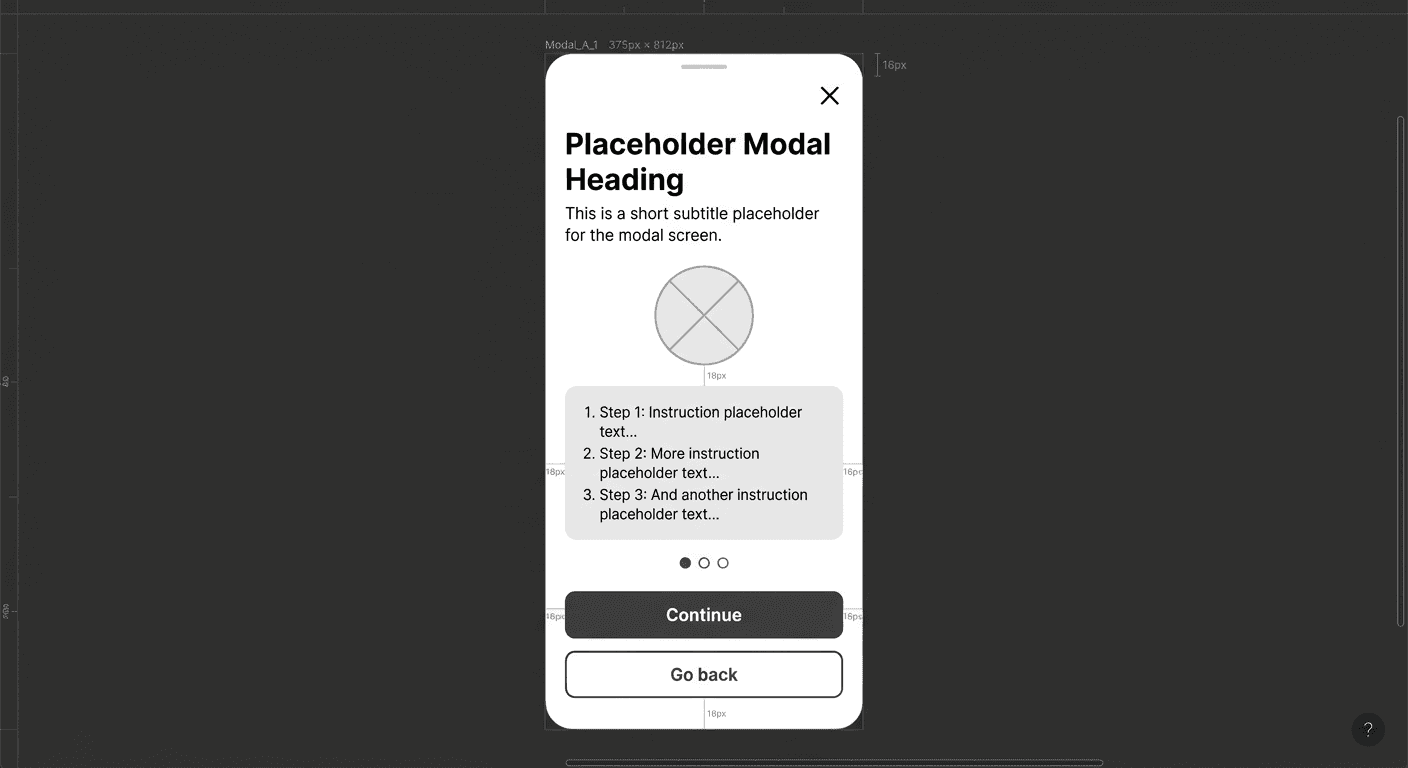
Modal A was designed as a multi-page experience. After selecting the Sonnet Shift plan, users moved through three focused screens — App Installation, Trip Monitoring, and Premium Changes — each dedicated to a single aspect of the program. By breaking complex information into sequential steps, the experience made onboarding feel manageable rather than overwhelming.
{Prototype B. The Interactive Accordion Overlay Modal}
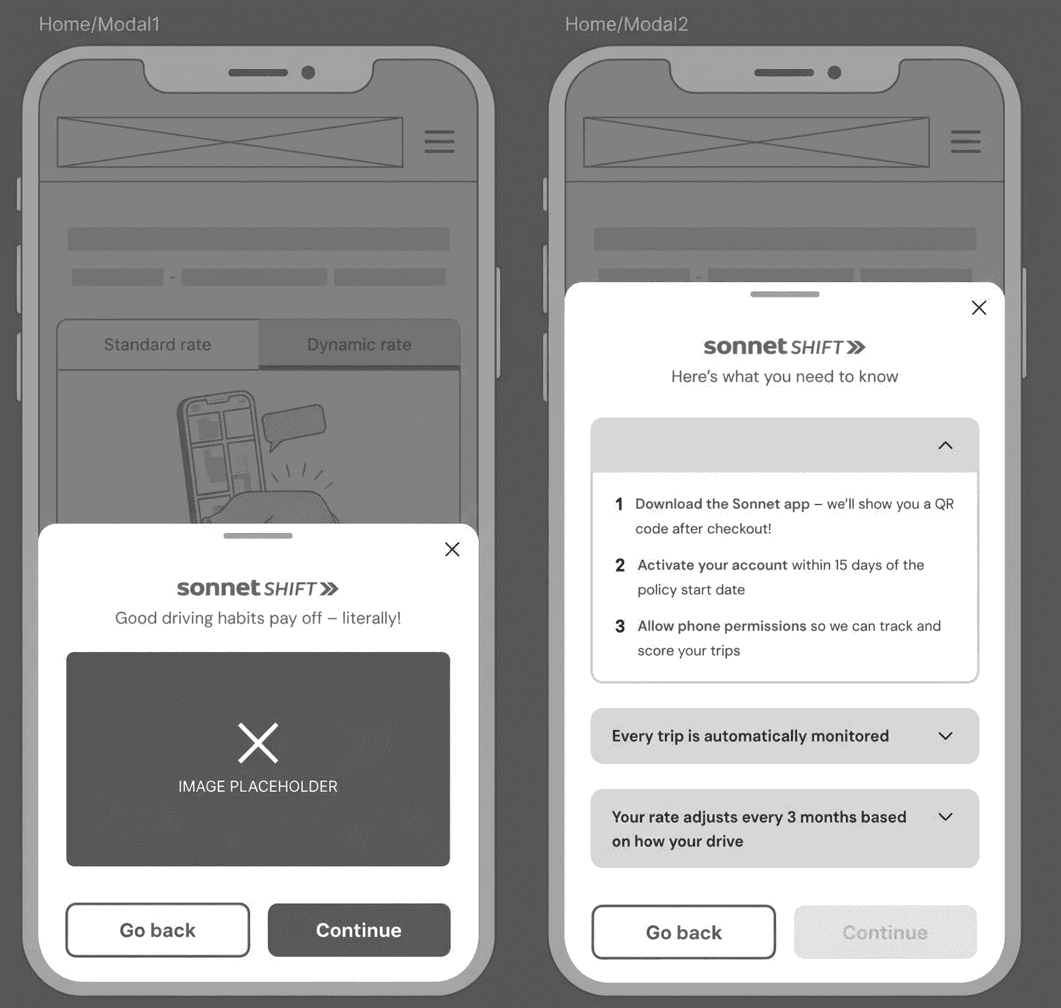
Modal B took a more consolidated, interactive approach. Rather than spreading information across multiple pages, all key content was contained within a single screen — beginning with a short video summary of the program. Below the video, three accordion-style sections invited users to actively expand and explore each core program requirement at their own pace. This design encouraged engagement rather than passive consumption, putting the user in control of how they uncovered information.
Test Results
The research was conducted through unmoderated tests with 17 participants (6 using desktop, 11 using mobile) from Ontario.
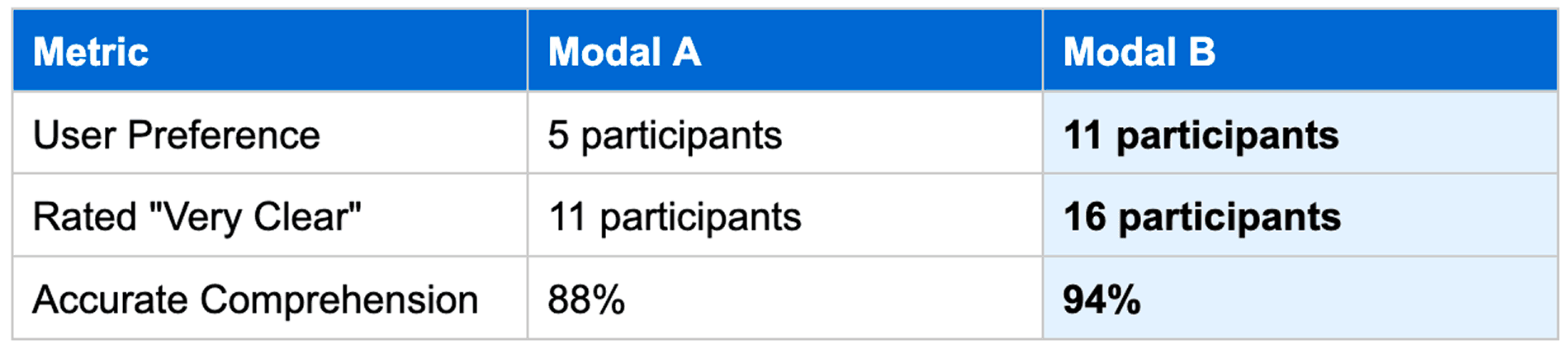
5.1 Overall Comprehension and Clarity:
The top-level metrics from the user tests demonstrated a dramatic improvement in user understanding of the Sonnet Shift program
out of 17 participants indicated that the layout of the winning concept, Modal B, was "very clear."
5.2 Qualitative insights on Modal B
The qualitative feedback provided the "why" behind Modal B's success. Users found its design more engaging, efficient, and user-friendly.
Participants consistently described the design as "more visually appealing" and "intuitive." They particularly appreciated the ability to "view all the options from one page without having to switch between" screens. This single-screen architecture reduced the user's cognitive load by providing a complete overview of the program's commitments upfront, allowing them to process the information as a whole rather than as disconnected steps.
Overall, I think it was extremely clear. I thought everything was built off of another. I had a really good flow of information
5.3 Areas for improvement
While the results were overwhelmingly positive, the testing also surfaced several areas where the user experience could be further enhanced. This constructive feedback provided a clear roadmap for future iterations.
Trust & Credibility
Some users expressed a need for more information to build trust in the app itself. Users sought tangible proof to trust the app's technology, suggesting the inclusion of social proof or technical reassurances about data accuracy and privacy.
Video Accessibility
While 12 of 17 participants found the introductory video helpful, some struggled with small text on screen and others suggested adding an option to skip it for users who prefer to read.
MVP
Final MVP Design
The design doesn't just inform—it creates commitment. By requiring users to actively engage with each section, we transform passive selection into conscious choice. Users who complete the flow aren't just informed; they're committed. They've invested cognitive effort and made a decision with full awareness.


Results
The impact
Following the successful completion of development, the new educational modal was implemented. The results were immediate and overwhelmingly positive, validating the hypothesis that clearer user education was the key to unlocking the program's potential.
🌱 Takeaways
⚡ Challenges
Explore other projects
EXIT QUOTE EXPERIENCE